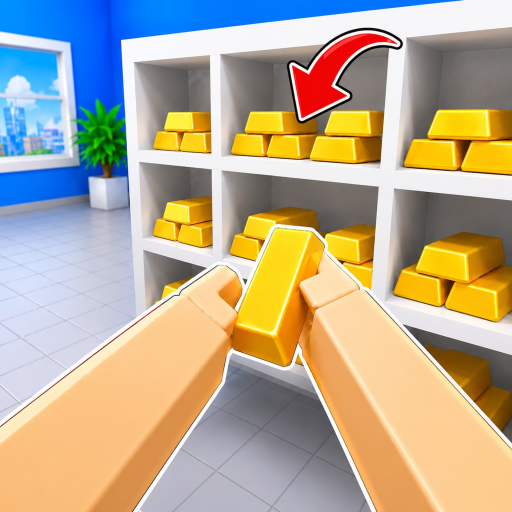
Need an item destination?
Inspect the object in-game and set it down safely if still unclear. No verified item-location table is public yet.
Start with the complete guides below. Map and item-location guides remain unpublished, while the current support pages cover Upgrades, Magic, fastest-time, and co-op claims without inventing details.
Follow the first pickup-to-placement loop, split solo or co-op work, and recover when an object or control is unclear.
Open guide →Official inputsFilter the official PC and controller mappings by action, with an honest not-listed answer for mobile.
Open guide →Prices checkedCompare the four gamepasses currently returned by Roblox, including sale status, checked prices, and details that are not publicly documented.
Open guide →Verified systemsUse the official control text, public source boundaries, and a safe comparison checklist before trusting any best-upgrade or magic claim.
Open guide →Support statusCheck what the official Roblox page really confirms about fastest-time competition and co-op runs before trusting a claimed route or record.
Open guide →Inspect the object in-game and set it down safely if still unclear. No verified item-location table is public yet.
Open the Upgrades & Magic page first. It tells you exactly what the official text confirms, then stops before inventing a best-buy order.
Open the fastest-time and co-op guide first. It confirms the leaderboard and team-play boundary, then stops before inventing a record path.
Check current status and reported redemption help.
See the current official-system boundary before spending or testing.
Check what is actually verified before trusting a speed route or duo plan.
Review confirmed systems and current unknowns.
Avoid unverified Trello, Discord and wiki claims.